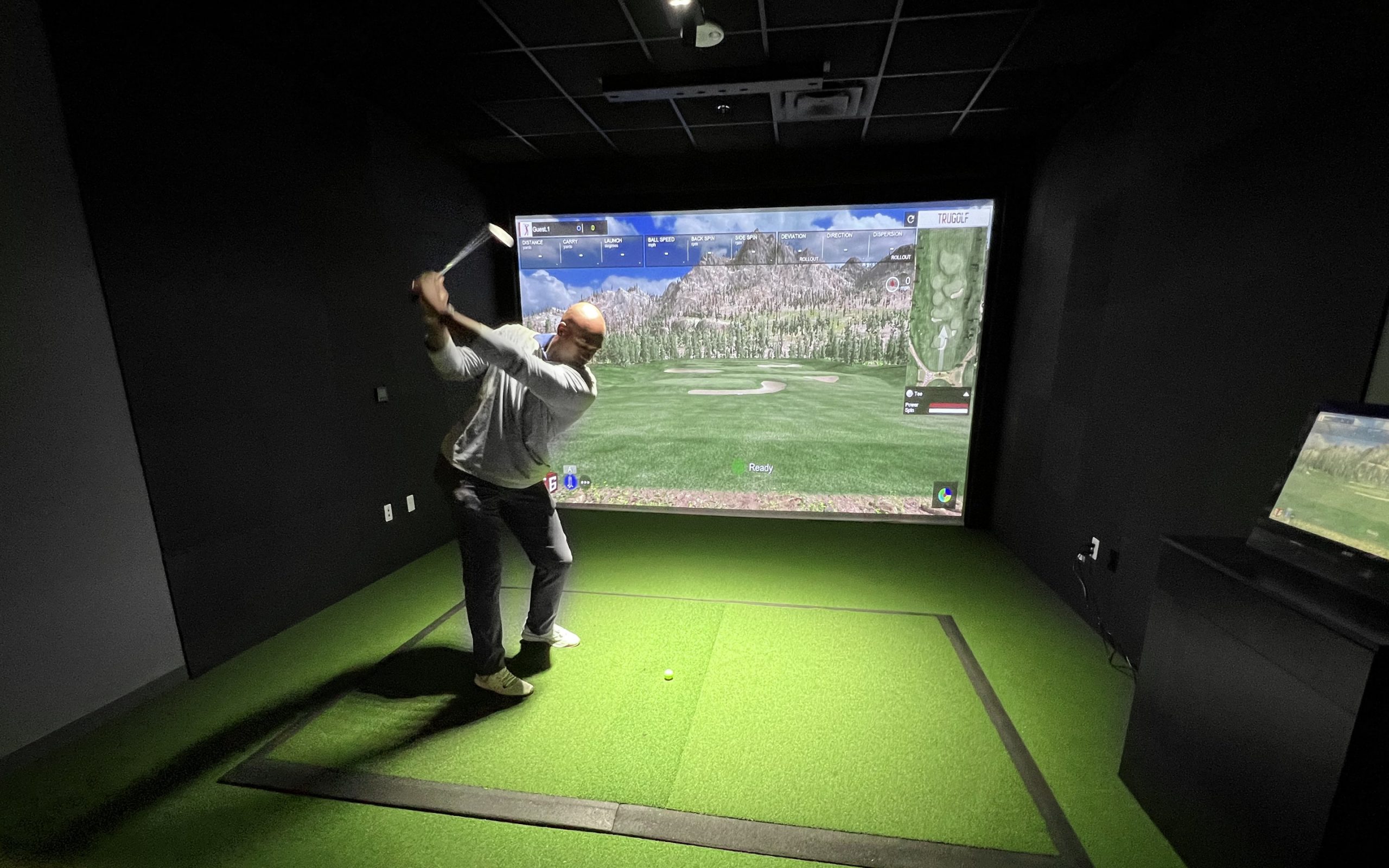
GSPro costs $250 a year and supports around 30 launch monitors, but "supported" doesn't mean simple. Radar units like the Garmin R10 or Mevo+ need 14 16 feet of depth. Camera units like SkyTrak+ squeeze into 12 feet but often need a bridge app and an hour of fiddling. Bushnell's Launch Pro adds a $499 subscription. And you'll need a Windows PC with 16GB RAM. Here's which monitors actually earn your money and which ones quietly drain it.
Before you spend a dime, check the official list. GSPro supports 30 launch monitor entries: camera-based, radar, hybrid. That's a solid range, but it's finite. Not every monitor on the market makes the cut.
Uneekor brings six models. FlightScope has five. Foresight has five, plus Bushnell Launch Pro listed separately, which is funny since they're practically cousins. Garmin's in with the R10 and R50. GolfJoy, ProTee VX, Rapsodo MLM2Pro, Nova by OpenLaunch, VTrack, GolfTrak, and both Square units, Home and Omni, all made it. Support isn't plug-and-play either, since Uneekor requires an active Pro Package subscription, Bushnell Launch Pro needs a GOLD subscription, and the Rapsodo MLM2Pro requires a Premium Membership.
Here's the part people screw up: brand names mean nothing. GSPro distinguishes between closely related models. An EyeMini isn't an EyeMini Lite. Check your exact model on GSPro's support page before you buy, because the list changes quietly. If you want a second source, the GSPro Discord keeps a pinned compatibility thread that gets updated monthly.
Even when a launch monitor shows up on that support list, you need to ask a second question: does it talk to GSPro directly, or does it need a middleman? Native support means the monitor plugs straight into GSPro: no translator app, no extra toggles. Garmin's R10 and R50 and FlightScope's Mevo+ and Mevo Gen2 run official integrations. That list runs 31 supported devices deep, but only a slice connects first-party. Fewer apps, fewer failure points, less swearing at your computer.
Bridges are different. A third-party connector translates your data into something GSPro understands. SkyTrak, SkyTrak+, and the Rapsodo MLM2PRO usually lean on one, and you'll often have to put GSPro into open API mode first. Most bridges are free, sure. But free doesn't mean painless; you're trusting community software and your Wi‑Fi to hold a handshake mid-round. Budget your patience accordingly: a native hookup is typically a 10-minute setup, while a bridged one runs closer to an hour of tinkering and network changes.
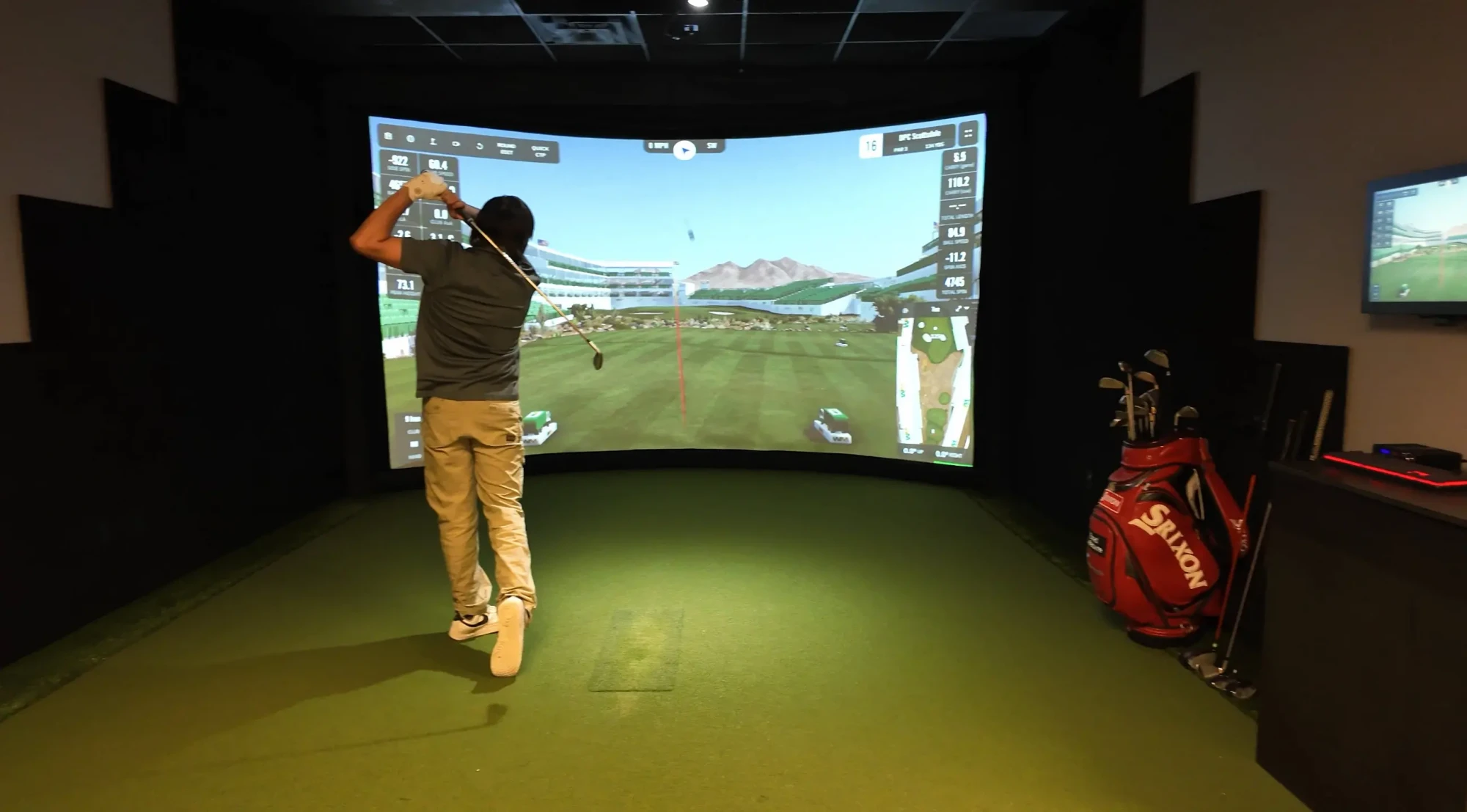
All that hardware talk means nothing until you see the software bill. GSPro costs $250 a year. Flat. No monthly option, no lifetime license, and taxes on top. That's your baseline, separate from whatever you paid for the monitor.
Here's the trap: some monitors charge you again just to talk to GSPro. Bushnell Launch Pro needs a Gold or FSX Gold plan, roughly $499 to $599 a year. So you're at about $749 annually. Ouch. Uneekor's Pro tier runs around $199, putting you near $449. Rapsodo MLM2PRO's Premium plan lands between $99 and $199.99. SkyTrak+ may want around $249 for a Game Improvement plan. At the opposite end, the Garmin Approach R50 asks just $99.99 a year, the lowest ongoing fee of any unit on this list.
Stack that up over three years, and you've spent more on subscriptions than hardware. Across 17 reviewed launch monitors, annual subscription fees run anywhere from $0 to $1,100, and most units under $3,000 require no subscription at all. Check current access rules before you buy.
Money's only half the problem. Your room has to actually fit the thing.
Radar units are the space hogs. A Garmin R10 or Mevo+ needs 14 to 16 feet of depth minimum, and honestly, 16 to 20 feet is where they stop acting weird. That's because radar reads a long stretch of ball flight roughly 6 to 9 feet behind the ball, plus 8 to 10 feet in front. You can't cheat it. GSPro's own device notes confirm this split: the radar-based Garmin R10 wants 14 to 16 feet of depth, while the camera-based R50 works fine in just 8 to 10 feet.
Camera units are the fix. SkyTrak+ and Foresight GC3 both live comfortably in 12 to 14 feet since they sit beside the ball. Uneekor's EYE MINI does the same, and overhead systems like EYE XO mount above you, killing the rear clearance problem entirely. Published minimums back this up: side-mounted optical setups need only 11 to 13 feet of depth, made up of 0 feet behind the ball, 10 to 12 feet of flight, and a 1-foot screen gap.
Under 12 feet? Measure again, then rethink everything.
Once you've sorted the money and the measuring tape, there's one more gate to clear: GSPro runs on Windows 10 or 11, period. No Mac. No Linux. Sorry.
For 1080p, GSPro says you need an i5 or Ryzen 5, 16GB of RAM, 10GB of free space, and a GTX 3060. Want it to actually look good? An RTX 3070 or 3060 Ti. Chasing 4K? RTX 3080 or better, 32GB RAM, 20GB free. Put it on an NVMe SSD; loading times stop being annoying.
You also need internet every single launch, because GSPro validates your license key. Wi-Fi works, but wired Ethernet is more reliable, especially for online rounds and tournaments.
Check your ports too. Some monitors need Bluetooth, others Wi-Fi. That detail matters as much as your graphics card.
Match the monitor to your space, and GSPro will feel incredible. Don’t want to deal with all of this? This is where we come in. With over 20 years in the business, our expert team will help you create the golf simulator of your dreams. Contact us today or call any time at (602) 888-4018.